Virtual staging and photo editing for every rental listing.
Nolan retouches the photos of your vacant units on its own, as soon as you add them. It fixes the light, the lines and the mess in one pass, so each room looks professionally staged. The unit itself stays exactly as it is. You glance at each photo before it goes out, and your originals are kept.
Counters cleared, light and lines fixed. The cabinets, the island and the appliances stay put.
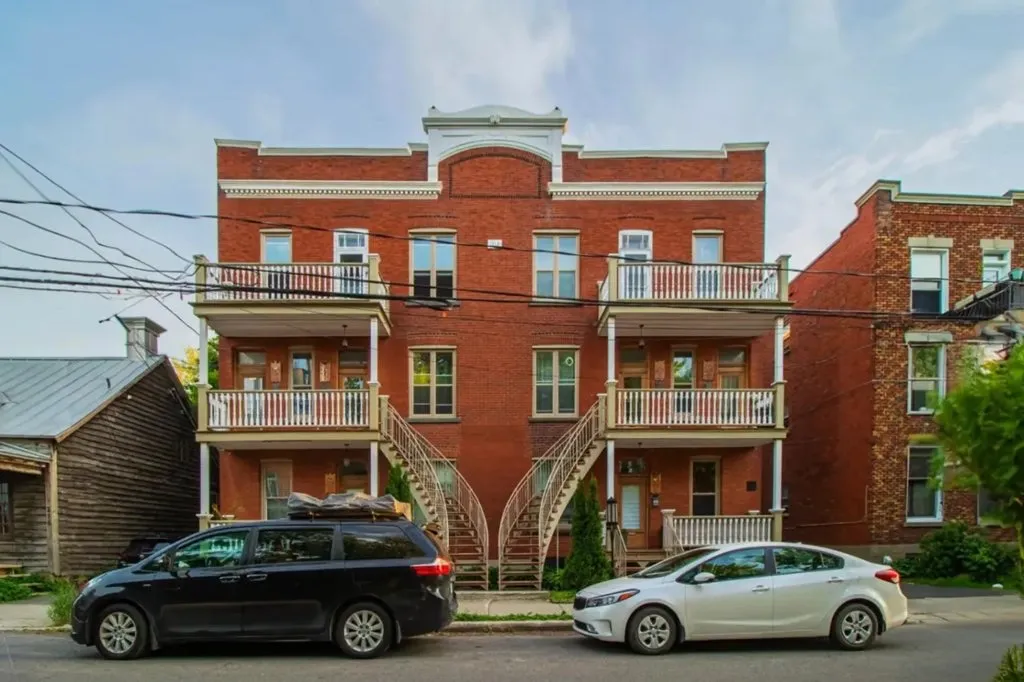
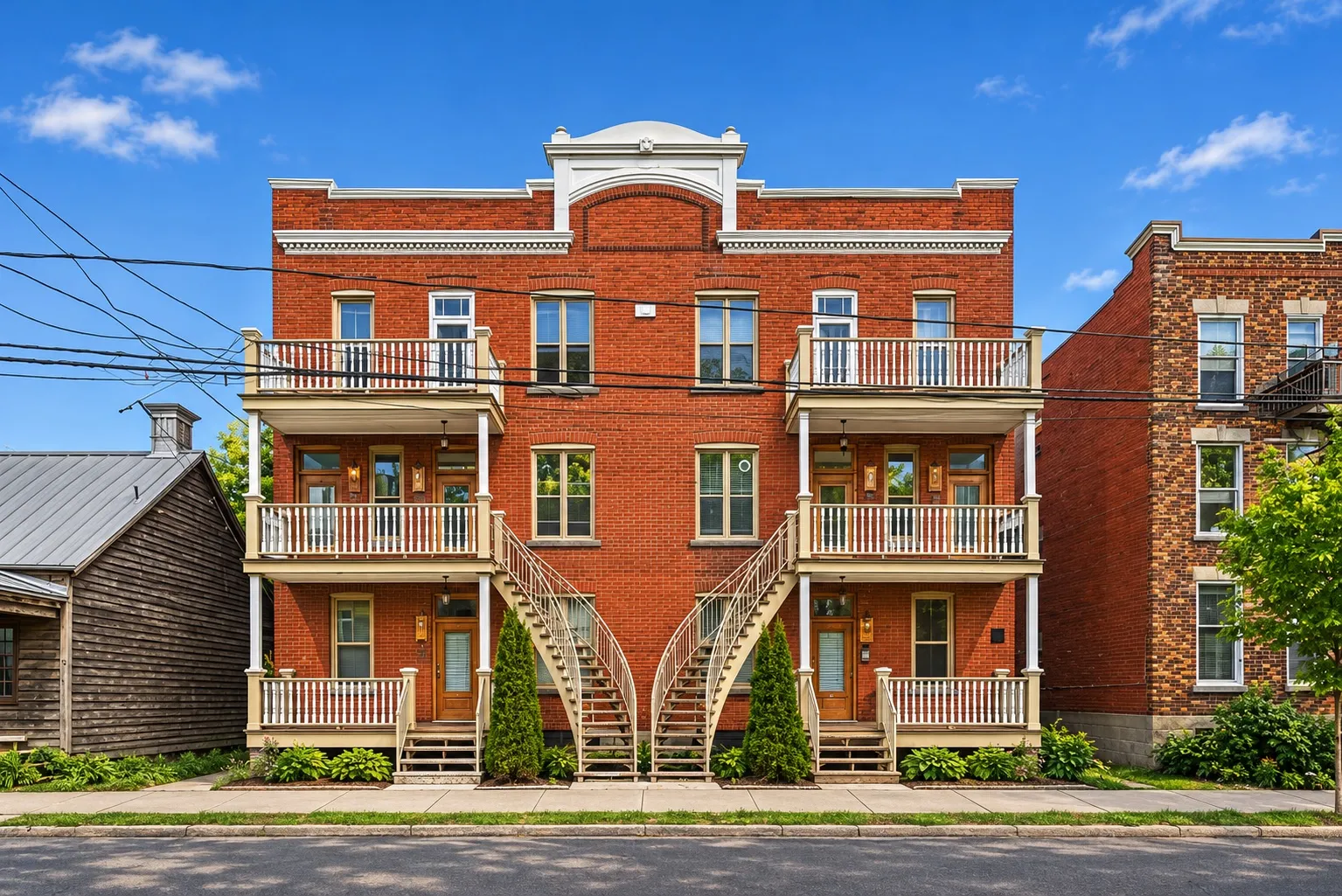
Blue sky, even light, the parked cars gone. Every window, balcony and staircase is where it was.
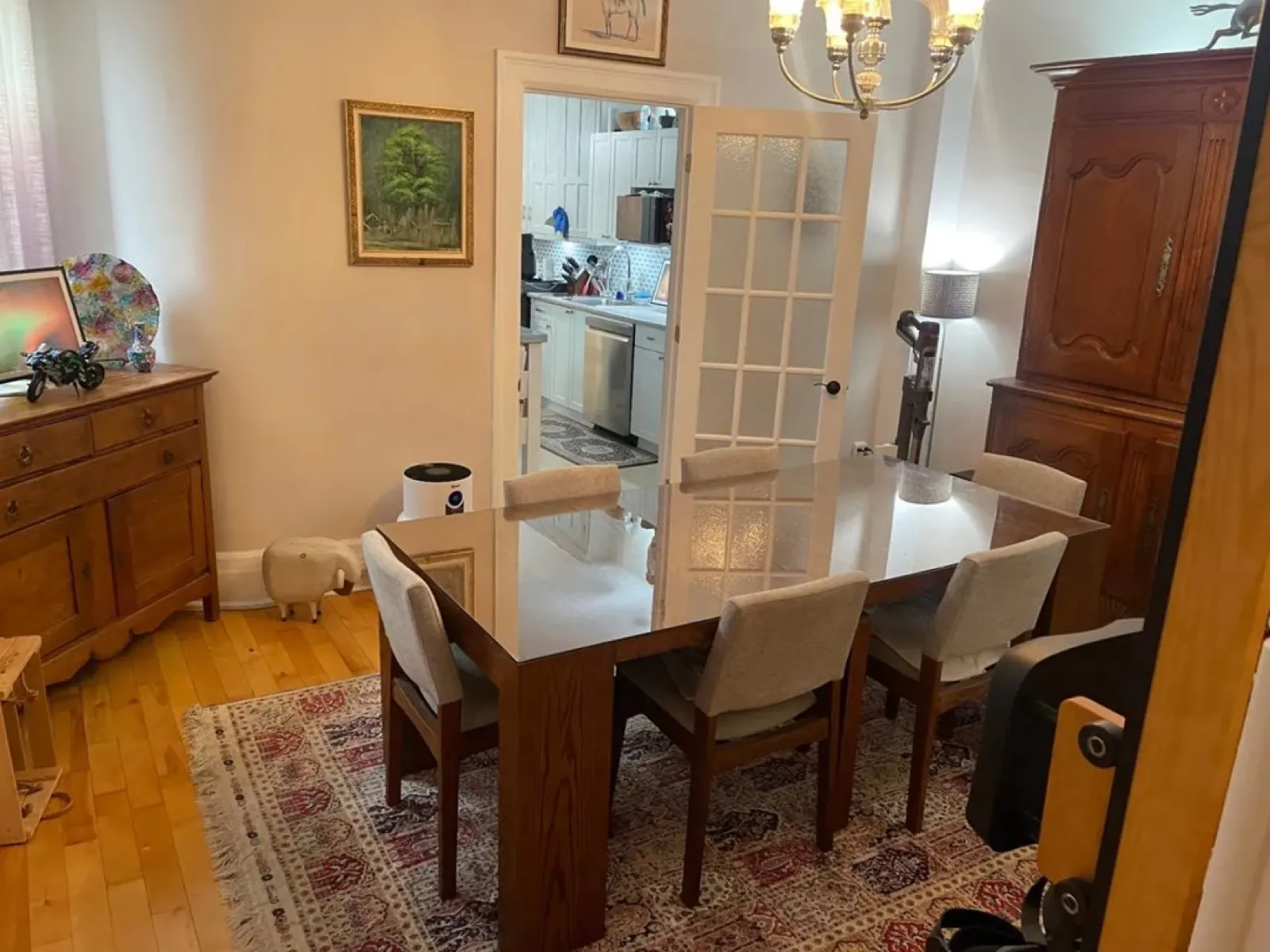
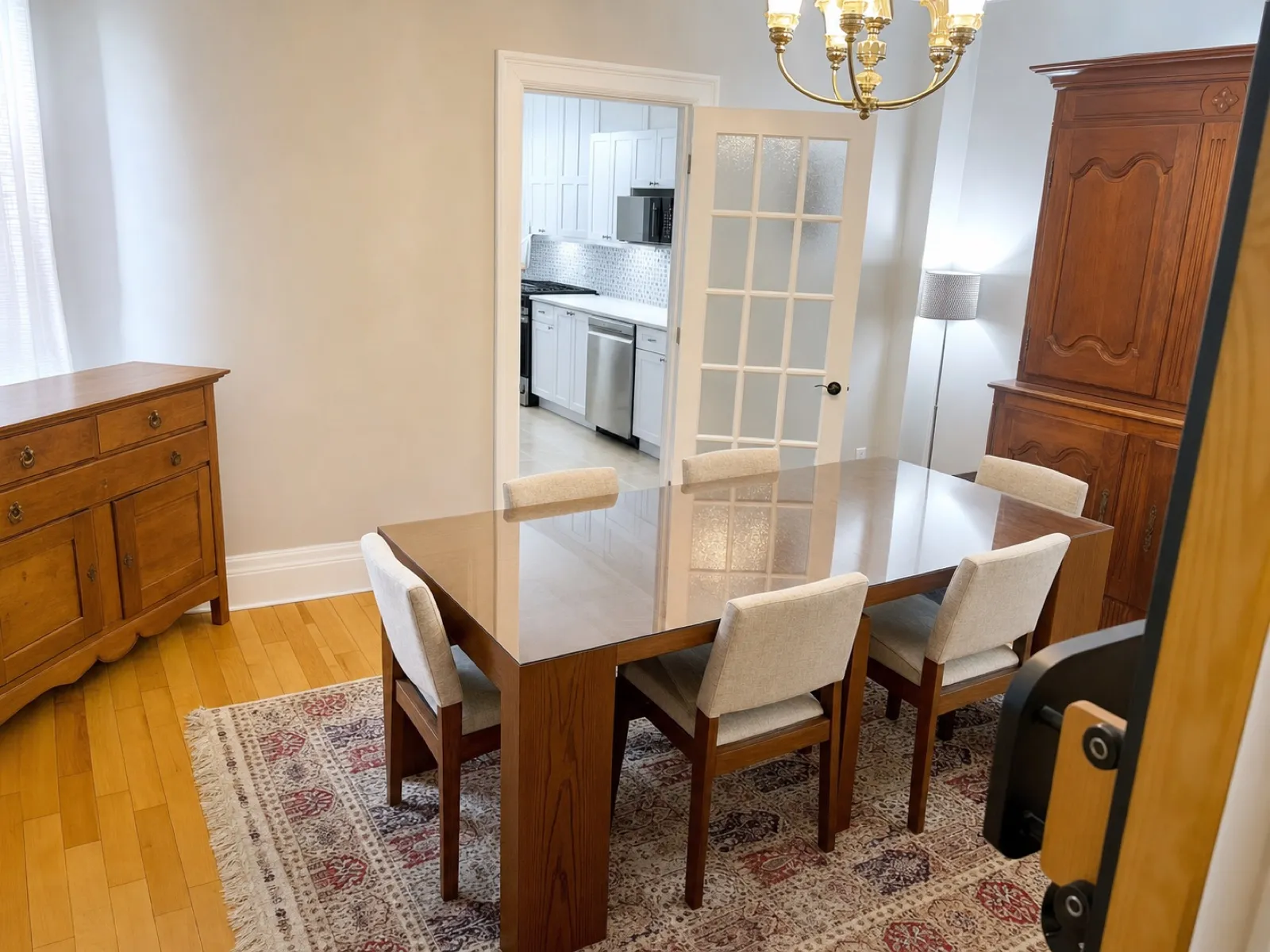
The tenant’s things put away and the room styled. The windows, the door and the light stay put.
Bed made, dresser cleared, walls bare. The dresser, the lamp and the windows stay where they are.
Toiletries, towels and bath mats put away, shelves cleared. The sinks, toilets, tubs, tiles and windows stay as they are.
The short answer
What is virtual staging for rental listings?
Virtual staging makes photos of a rental look professionally staged, so renters can picture living there. Nolan does it on its own, in one retouch: more light, straight lines, clutter put away and each room tidied and styled. Walls, windows, counters and appliances stay where they are. You check every photo before it goes out, and your originals are kept.
Updated October 27, 2026
One retouch. Everything at once.
Nolan fixes whatever keeps a photo from looking professional on its own, all in the same pass. There’s no mode to pick and nothing to edit.
Before
After
The outside
Blue sky, even light and the parked cars gone. Every window, balcony and staircase is where it was.
Before
After
A lived-in room
The tenant’s furniture stays where it is. The papers, bags and things on the walls go.
Before
After
An empty room
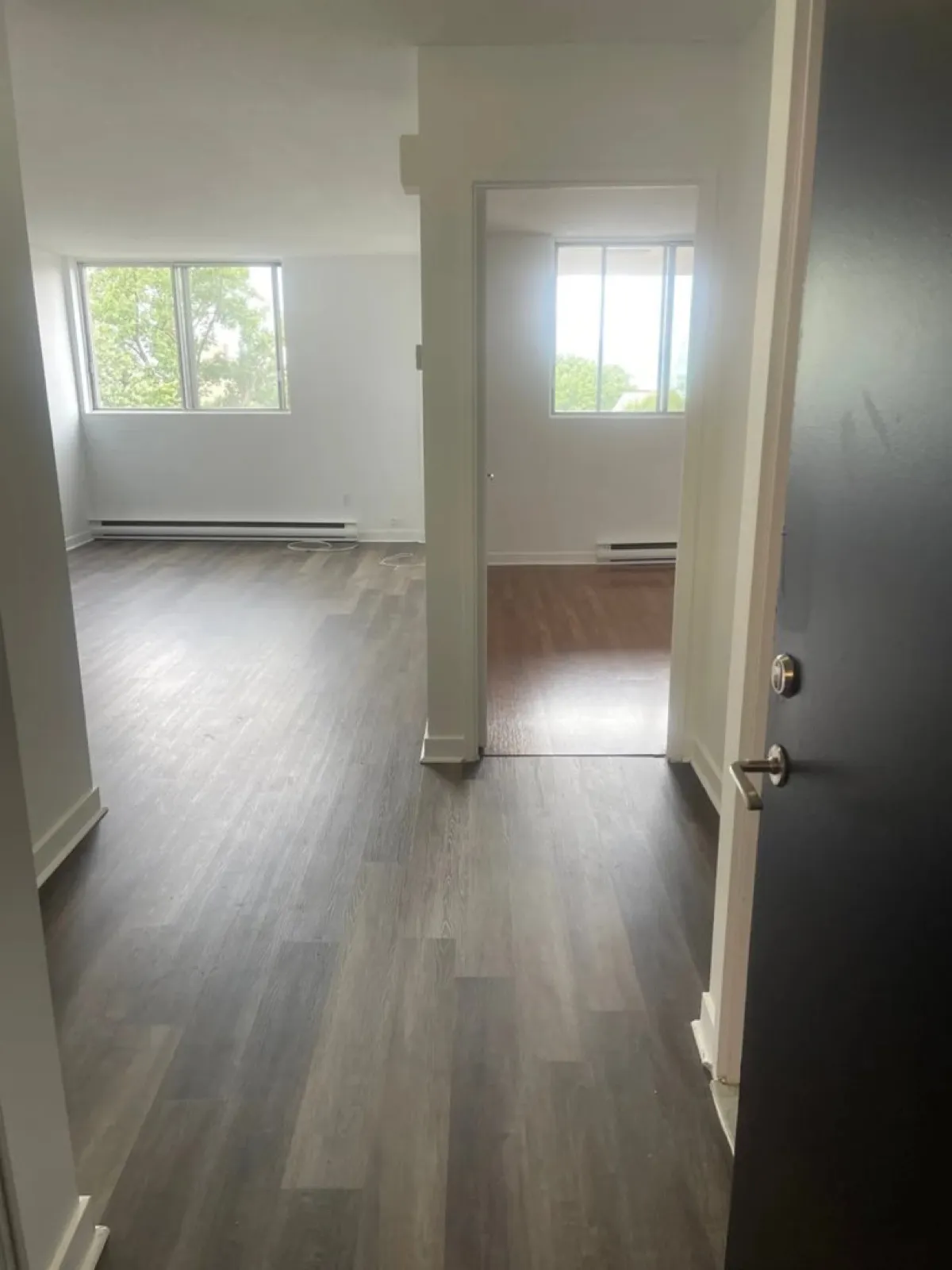
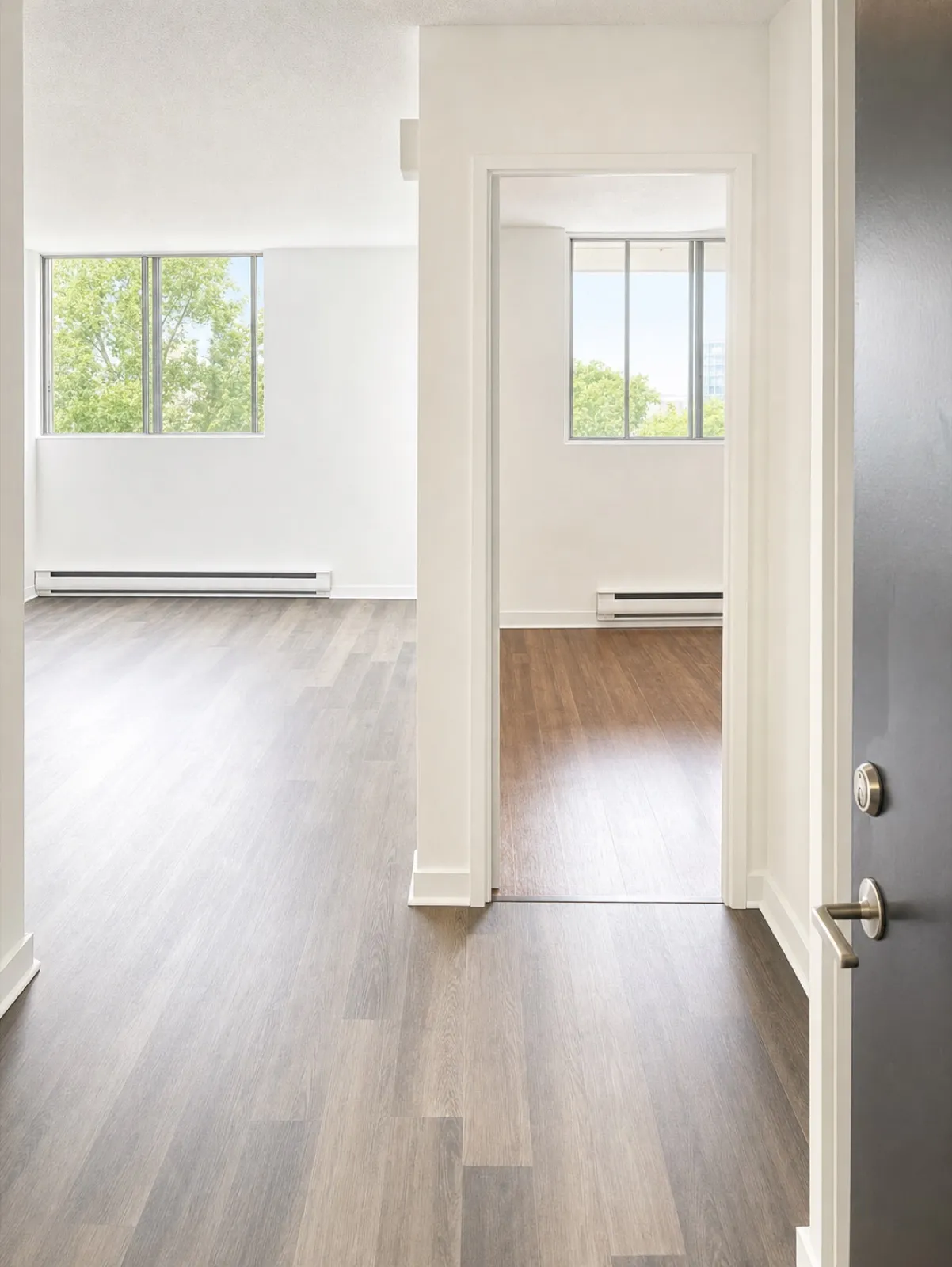
A dark, tilted room made bright and square. Same floor, same walls, same windows.
We clean up the photo. Never the unit.
Renters should walk in and find the place they saw. Nolan only takes out what makes a photo look worse than a professional’s. Everything that belongs to the unit stays exactly where it is.
What Nolan fixes on its own
Dim light and dull color
Tilted walls and door frames
Clutter: papers, dishes, cords, shoes
Personal photos and posters on the walls
Unmade beds and wrinkled curtains
Parked cars and bins out front
What stays exactly as it is
Walls, doors and windows: where they are, and how many
Floors: their material and color
Counters, cabinets and built-ins: same size, same spot
Appliances: the stove, the fridge and the rest
Fixtures: lights, faucets, radiators and heaters
The room: its size, its layout and the view out the window
Wear and damage: Nolan doesn’t hide them
Every retouch comes back to you beside its original. If anything that belongs to the unit has moved, reject it, and the original goes out instead.
What it does
More light
Nolan brightens dark rooms and sets true colors on its own, with no blown-out windows.
Straight lines
Nolan straightens walls, door frames and windows by itself, the way a pro’s lens would.
Clutter put away
Nolan clears papers, dishes, cords and personal photos, makes the beds and smooths the curtains. No editing on your end.
The unit as it is
Nolan leaves walls, windows, floors, counters and appliances exactly where they are.
How does it work?
1
Add your units
From a spreadsheet, your website or your property software. Nolan finds the photos that would gain from a retouch and retouches them on its own.
2
Glance at the results
Before and after, side by side. Keep each one, or reject it and the original stays.
3
Your listings go out
The new photos go on your unit pages and your listings. Every photo you add after that is retouched as it arrives.
An example, start to finish Unit 4B’s photos, start to finish
Monday, 9:00
You add 4B from your spreadsheet with the 12 photos the tenant let you take. Nolan finds 7 that would gain from a retouch.
9:04
The 7 retouches are ready: brighter rooms, straight walls, the counters cleared and the bed made.
9:06
You keep 6. On one, a cabinet door moved, so you reject it and its original stays.
9:07
The listing goes out with the new photos. 7 credits used.
What your team sees
Every retouch next to its original, before anything goes out.
Side by side
Each photo beside its original, to keep or reject.
Originals always kept
Reject a retouch and the original photo goes out instead.
Credits at a glance
How many retouches are left this month, on every photo screen.
At a glance
Detail
Nolan
What it fixes
Dim light and dull color, tilted lines, clutter, personal photos, unmade beds, cars out front
What stays
Walls, doors, windows, floors, counters, cabinets, appliances, fixtures, the layout, wear and damage
Passes
One, with everything at once. No mode to pick
Before it goes out
Every retouch beside its original, to keep or reject
Originals
Always kept
Included
10 photos with every paid listing
Free trial
3 photos
3D renders
Spotted and left as they are
Who it’s for
Property managers who take listing photos on a phone
Teams listing lived-in units while the tenant still lives there
Owners who can’t book a photographer for every turnover
What it doesn’t do
It doesn’t move, add or remove walls, windows, floors, counters or appliances.
It doesn’t hide wear or damage.
It doesn’t retouch 3D renders or photos that are already staged.
It doesn’t publish a retouch you haven’t seen.
Other ways to do it
Option
How it works
What it costs
The catch
A photographer
Book a shoot at each turnover.
About $200 to $350 a shoot: $6,000 to $10,500 a year for 30 turnovers
A visit for each unit, and the tenant has to tidy up first.
An editing or staging service
Send your photos out to be edited or staged.
About $25 to $100 an image
It takes a day or more, batch by batch.
A photo app
Edit each photo yourself.
About $15 a month, plus your time
Time spent on every photo, and the results vary.
Nolan
Retouches every listing photo on its own as you add it, in one pass, in the same place you list your units.
Included: 10 photos with every paid listing
Each photo uses a credit; a listing with many photos may need a pack.
What it costs
Nolan Leasing is $399 a month with 10 active listings included, then $15 a month for each active listing after that; rented units cost nothing. Nolan Residents adds your tenants for $1.59 a door a month, the same at every size. Plans over $800 a month, or from 200 doors, are built with you, with a volume discount. Every plan has a 14-day free trial, every channel and no per-user or setup fee.
Every paid listing includes 10 photo retouches. Need more? Packs start at 50 for $49, and they never expire.
Only what makes a photo look worse than a professional’s: dim light, tilted lines, clutter, personal things, an unmade bed, cars out front. It all happens in one pass. The walls, windows, floors, counters and appliances stay as they are.
Can it hide damage or change the layout?
It’s not meant to. Nolan is told to leave wear, damage, the layout and everything that belongs to the unit as they are. You check each photo beside its original before it goes out, so a change like that never reaches a renter.
Do I have to tell renters a photo is virtually staged?
If a photo shows furniture that doesn’t come with the unit, say so in the listing. Some places have rules for edited listing photos, so check yours. Nolan keeps every original, so you can show both.
Does it work with photos from my phone?
Yes. That’s what it’s for: dark rooms, tilted lines, a busy counter.
How much does virtual staging cost with Nolan?
Each photo uses one credit. Every paid listing includes 10. Your trial includes 3. Packs for extra photos start at 50 for $49 and never expire.
Do unused credits carry over?
A month’s included credits don’t carry over. Credits from a pack never expire and are used after the month’s.
What about 3D renders?
Nolan spots 3D renders and photos that are already staged, and leaves them as they are.
What does it cost?
Nolan Leasing is $399 a month with 10 active listings included, then $15 a month for each active listing after that; rented units cost nothing. Nolan Residents adds your tenants for $1.59 a door a month, the same at every size. Plans over $800 a month, or from 200 doors, are built with you, with a volume discount. Every plan has a 14-day free trial, every channel and no per-user or setup fee.